Switch to Smart
How to Switch Online to Smart Postpaid (via Mobile Number Portability)
Want to keep your number and move to Smart Postpaid? It’s easy! Just follow these steps:
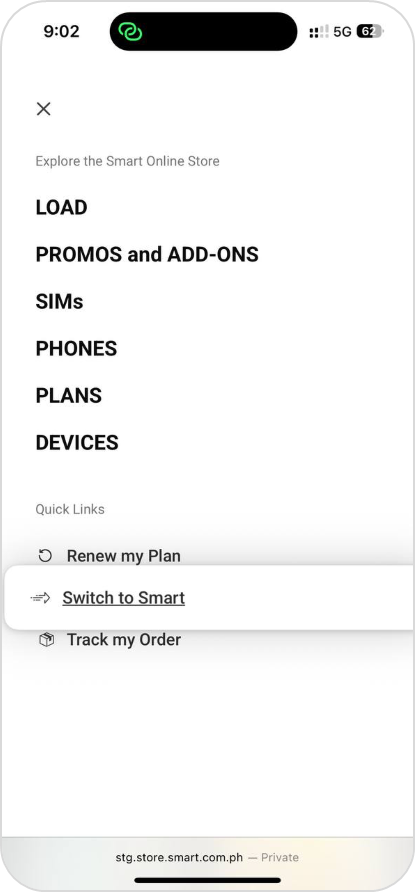
Step 1: Go to the “Switch to Smart” page
Start your journey by visiting the Switch to Smart page on the Smart Online Store.
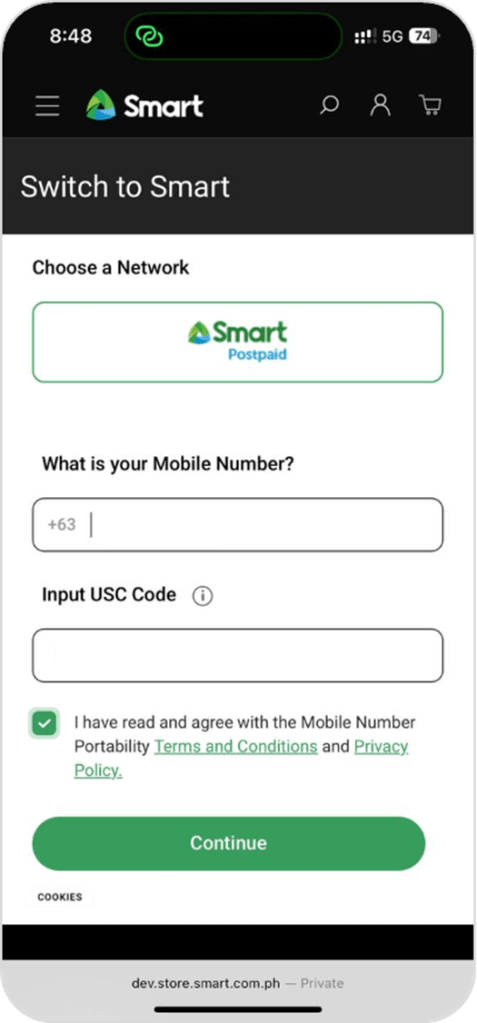
Step 2: Enter your details
Input the mobile number you want to switch and the Unique Subscriber Code (USC) provided by your current network.
Note: Only port-ins from other networks are allowed at the moment. Switching from Smart Prepaid is currently not supported.
Verify your details through a one-time password (OTP) sent to your number.
How to get your USC
Before switching, you need to request your Unique Subscriber Code (USC) from your current network. This code confirms that your number is eligible for porting.
Here’s how to request it:
- Globe/TM: Text USC <space> YES to 5050
- DITO: Request via the DITO app or call 185
- GOMO: Chat with a GOMO agent via the GOMO PH website or app
- Smart/TNT/Sun: Text USC to 7678
Once you receive your USC, you can proceed with your Smart Postpaid application.
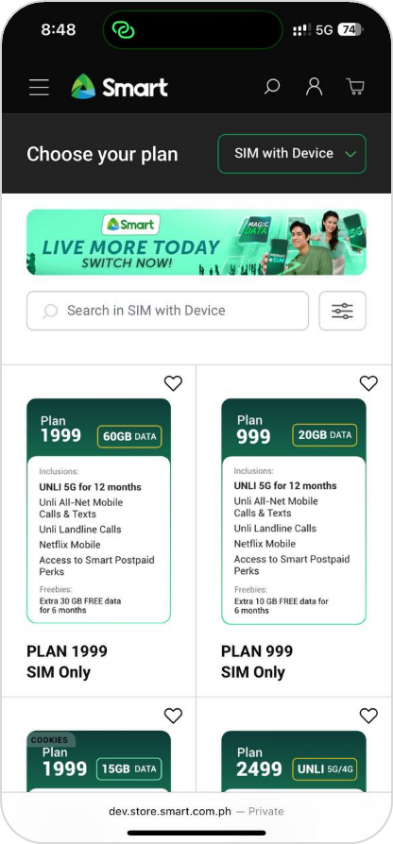
Step 3: Choose your plan
Select your preferred Smart Postpaid plan: choose either SIM-Only or SIM with Device.
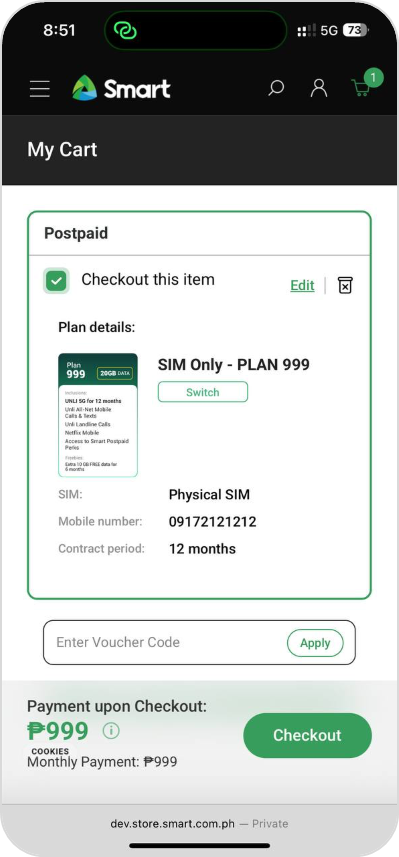
Step 4: Add to cart and checkout
Once you’ve picked your plan, simply add it to your cart and proceed to checkout.
Step 5: Verify your contact details
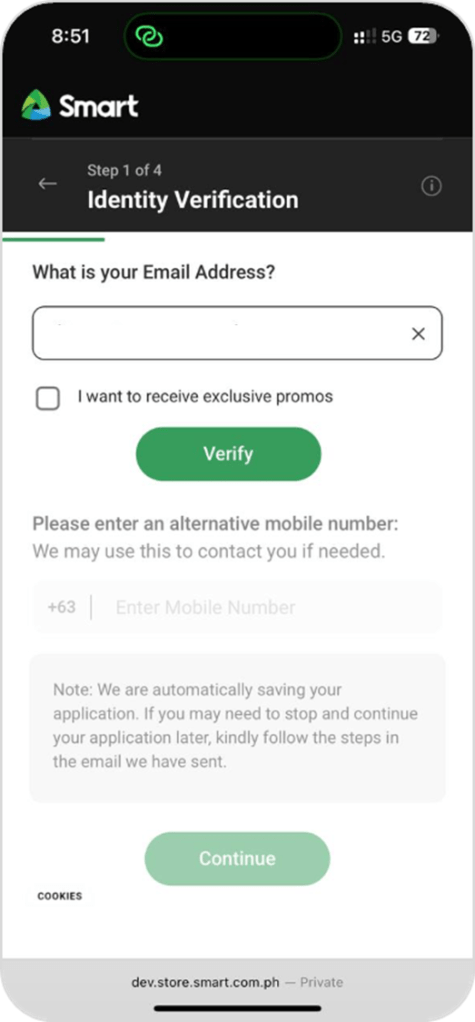
Enter your email address, verify it via OTP, and provide an alternate mobile number for contact purposes.
Step 6: Verify your identity
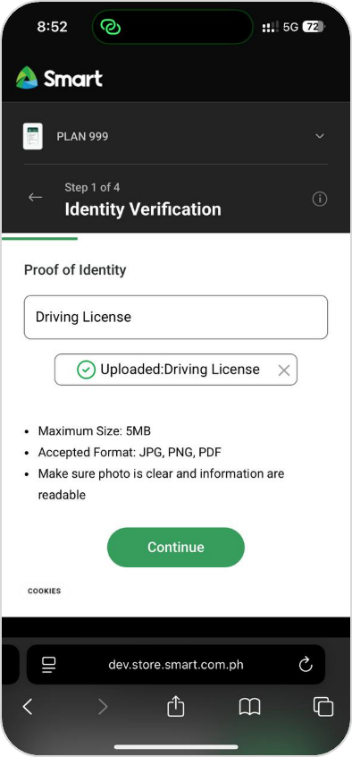
Select an accepted valid ID and complete the eKYC verification process.
Make sure you have one of the following IDs ready:
- National ID
- Philippines Passport
- Unified Multi-purpose ID
- Driver’s License
- GSIS E-card
- SSS (with photo)
Step 7: Provide your personal information
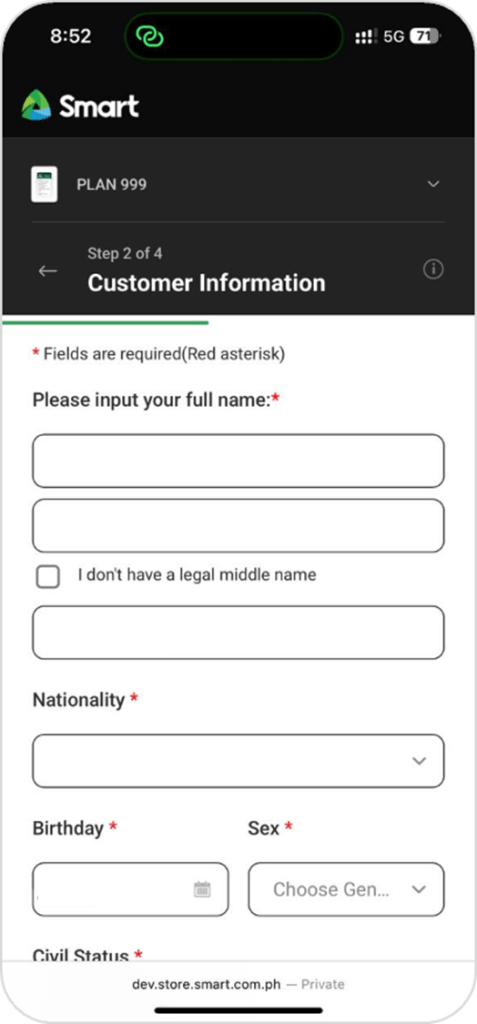
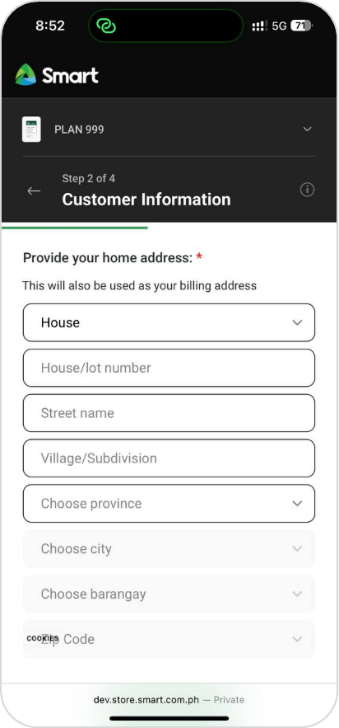
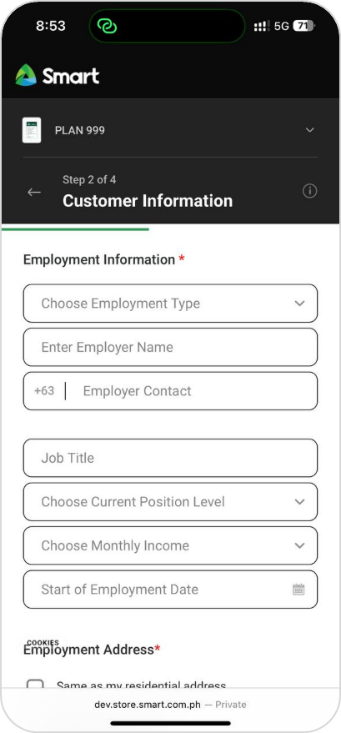
Fill out your personal details, home address, and employment information to complete your application.
Step 8: Choose your delivery method
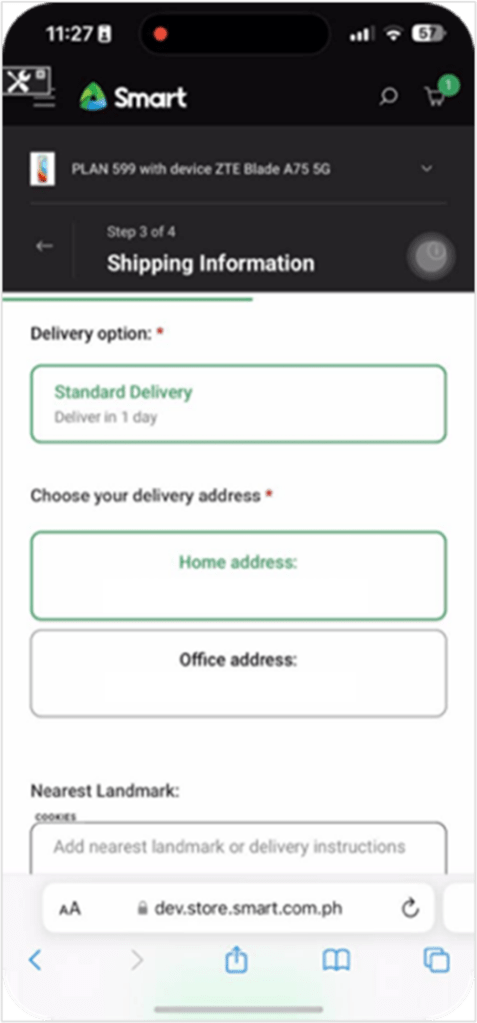
You can select from the following options:
- Standard Delivery – based on your previous delivery address (if applicable)
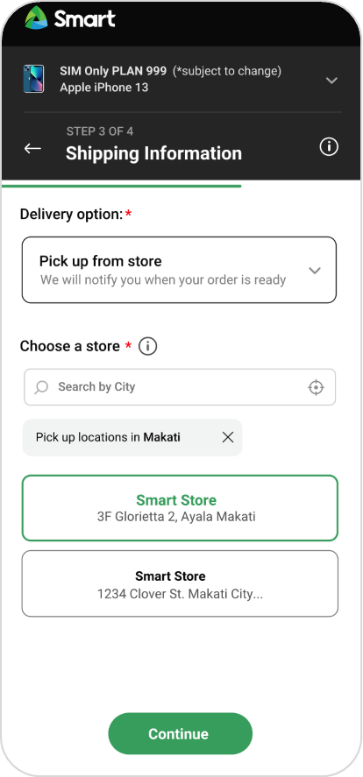
- Store Pickup – choose from available stores for your selected device
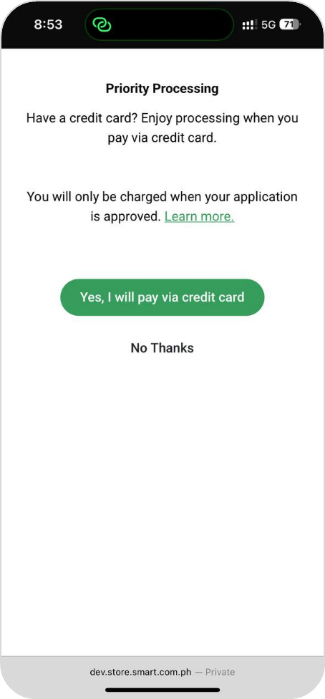
Step 9: Opt for priority processing (optional)
You can choose priority processing if you want your application handled faster.
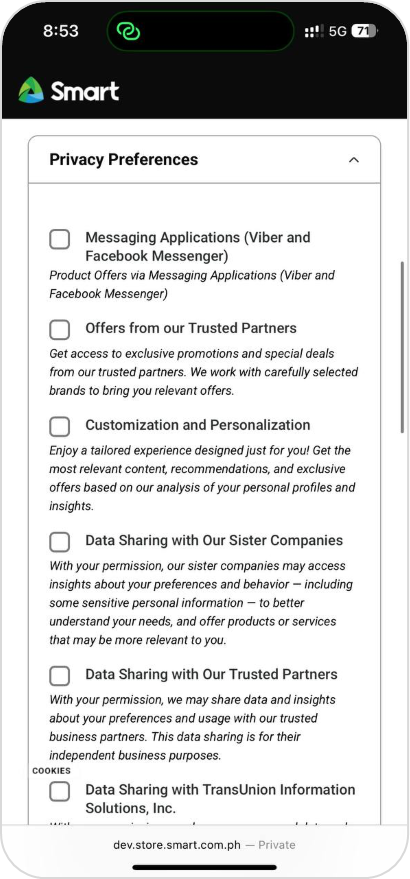
Step 10: Set your privacy preferences
Select your preferences for communication and data privacy.
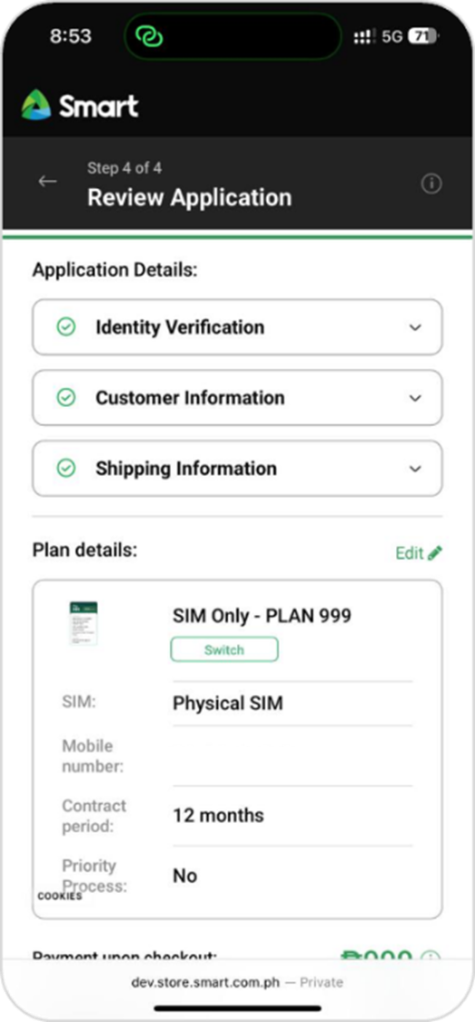
Step 11: Review and submit
Double-check all your details, agree to the Subscriber’s Declaration, Terms & Conditions, and Privacy Policy, then complete payment (if you availed of priority processing).
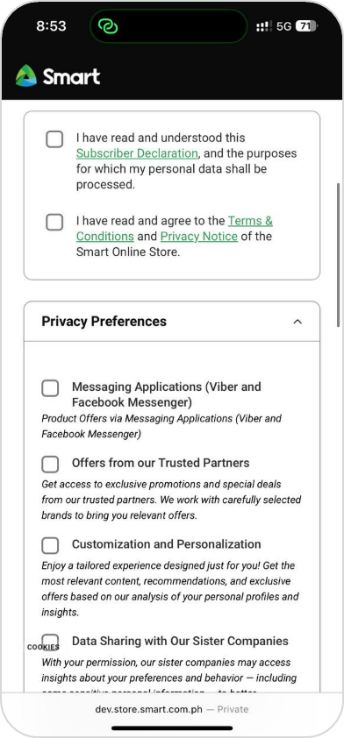
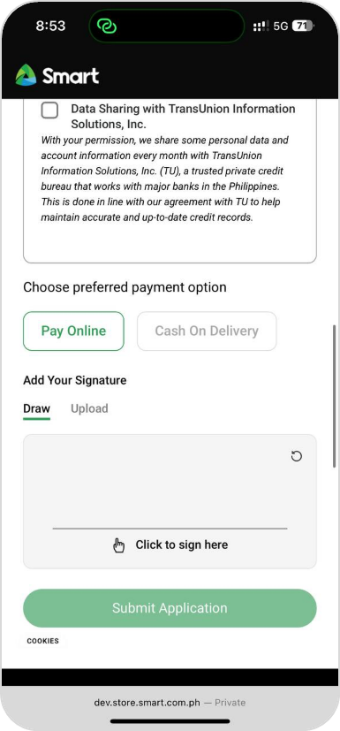
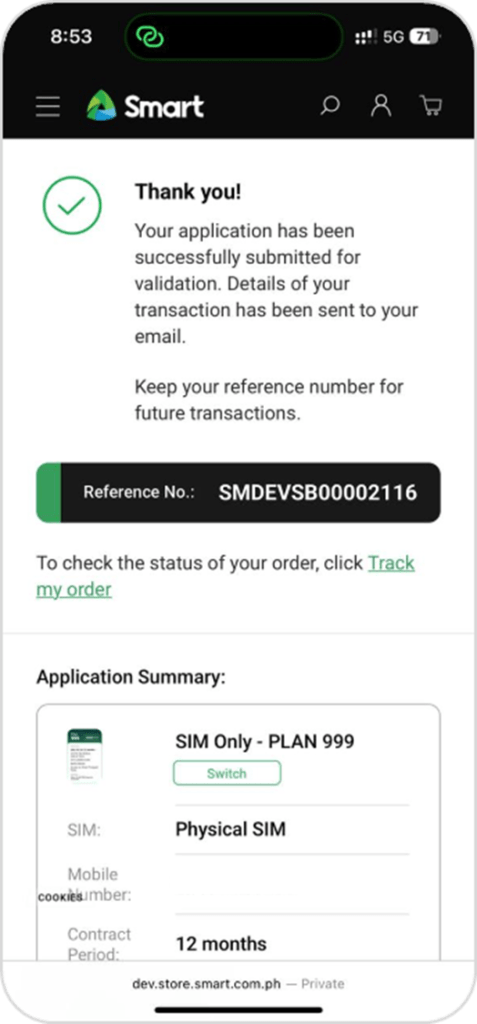
Finally, click Submit — and you’re done!
After completing your application
You’ll receive an email from Smart with updates on your application status.
You can also track your application using the reference number provided after submission.