


 Switch to Smart
How to Buy a Smart Prepaid or Postpaid eSIM
An eSIM (Embedded SIM) is a built-in digital SIM that lets you activate a Smart Prepaid or Postpaid plan without using a physical SIM card. Smart makes it simple to get started: Prepaid users can buy a Smart Prepaid or TNT Digital eSIM from the Smart Online Store, Postpaid applicants can choose eSIM when applying for a SIM-only plan, and existing subscribers can convert their physical SIM to eSIM at any Smart Store.
Prepaid eSIM
1. Go to the Smart Online Store
2. Choose SIMs > Select a Smart Prepaid or TNT Digital eSIM.


3. Enter your email address and input the One Time PIN (OTP) sent to your email.


3. Pay using Maya, credit/debit cards, or mobile wallets.


5. Your eSIM QR code will appear on-screen after 2–3 minutes.

6. You will receive an email with the QR code attached.


You may also view your eSIM QR code via the Track My Order page.
If you didn’t save the QR code right away, you can retrieve it via Track My Order:
1. Visit the Smart Online Store and tap the Menu (top left).

2. Select Track My Order
3. Enter your Email Address and Reference Number.
4. Click View QR to display your eSIM QR Code.


Note: The Reference Number can be found in
- The Order Success page after the customer has purchased the eSIM in the Smart Online Store.
- The email containing your eSIM QR code
Postpaid eSIM
1. Visit the Smart Online Store and choose a SIM-only plan

2. Select “No” when asked if you’re buying a device.

3. Proceed to Checkout and choose eSIM as your SIM type.
4. A default mobile number will be assigned, but you can choose a different one if available.


5. Verify your email and mobile number via OTP.

6. To continue your postpaid application:
a. Go to Smart Online Store > My Cart

b. Click Continue my Postpaid Application
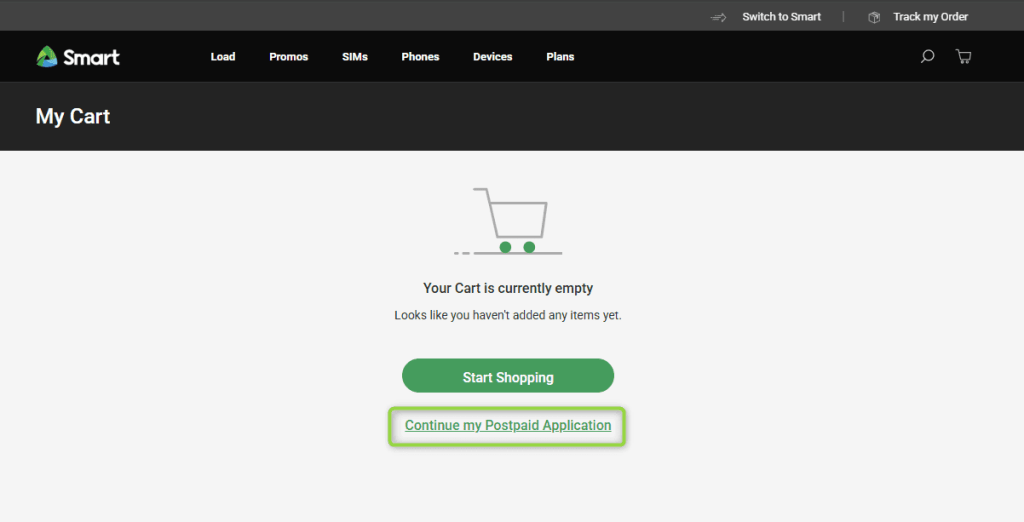
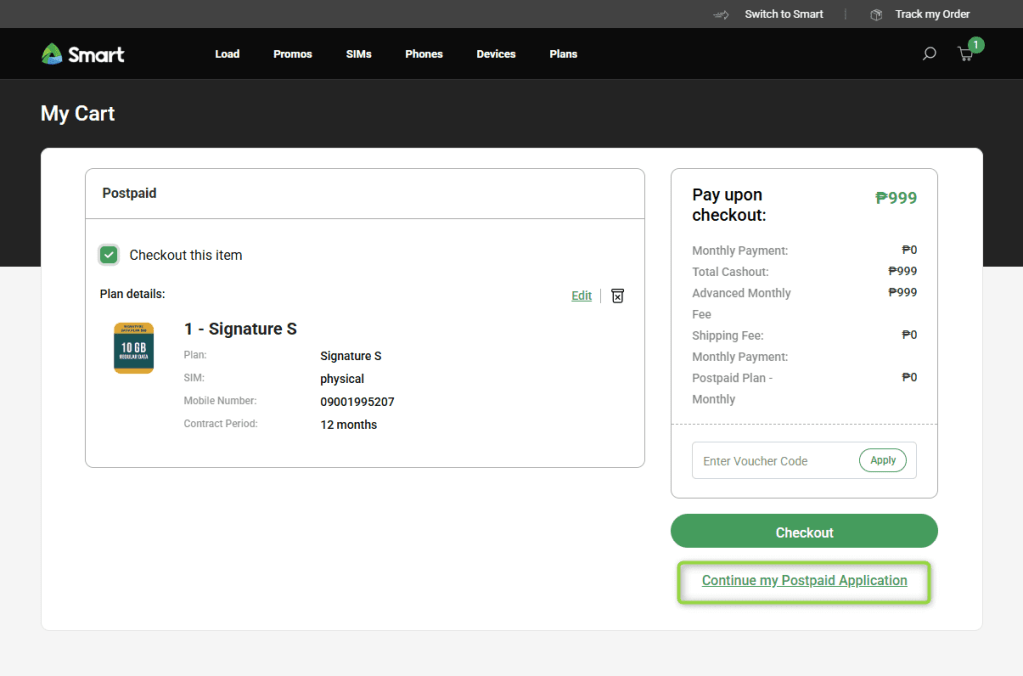
c. Re-verify your email via OTP
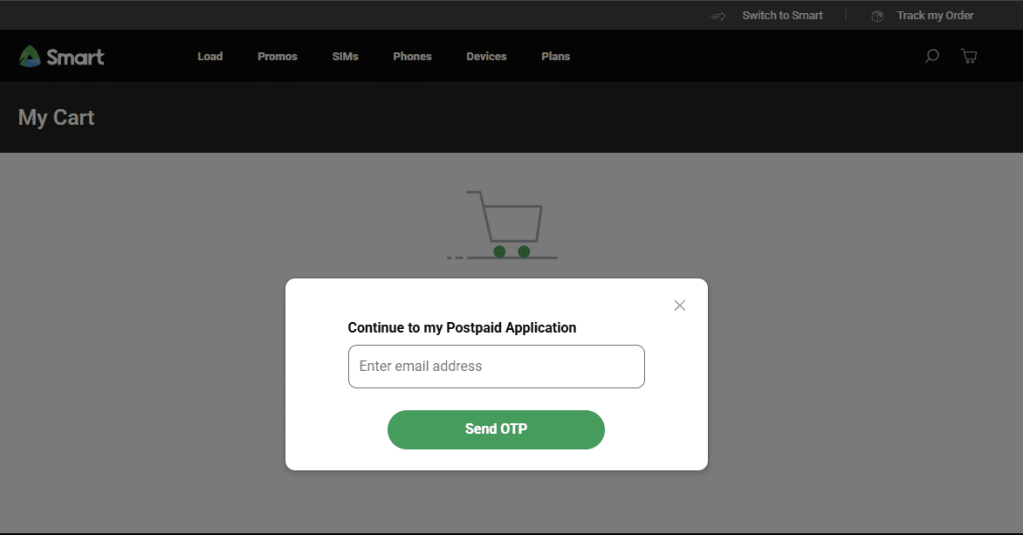
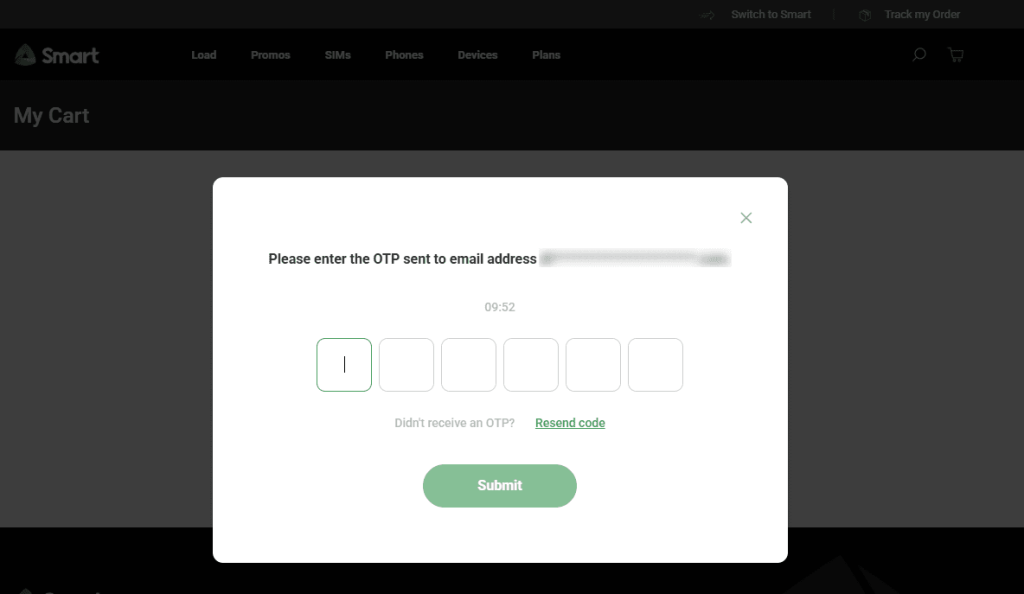
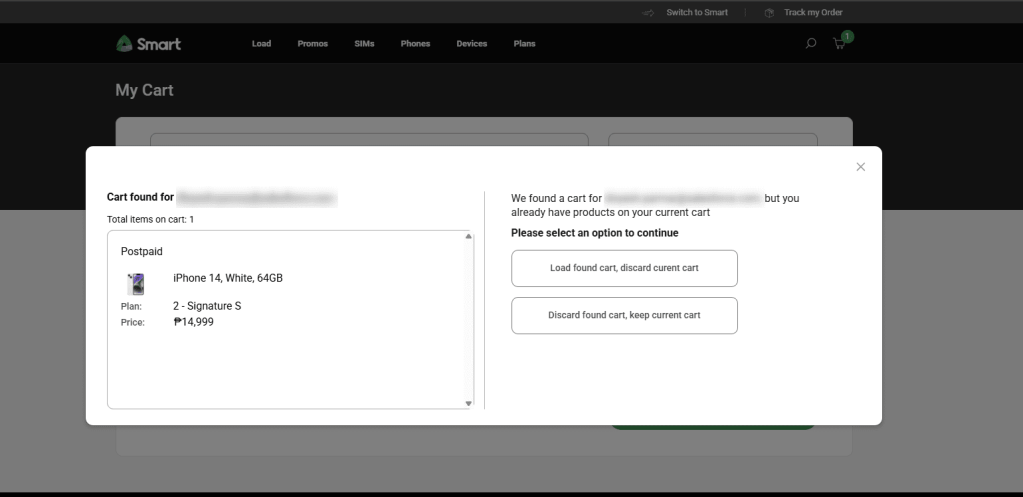
Once you’re able to access your application, you may continue where you’ve left off.
Already Have a SIM and Want to Switch to eSIM?
If you’re an existing Smart Prepaid or Postpaid user and want to convert your physical SIM to eSIM:
👉 Visit any Smart Store nationwide for assistance. A representative will help you make the switch.